
Connecting Power BI
Before connecting, complete the SSH tunnel and PostgreSQL ODBC driver setup in Instructions for Direct Database Integration.
Connecting Power BI to Mosaic Data via SSH Tunnel
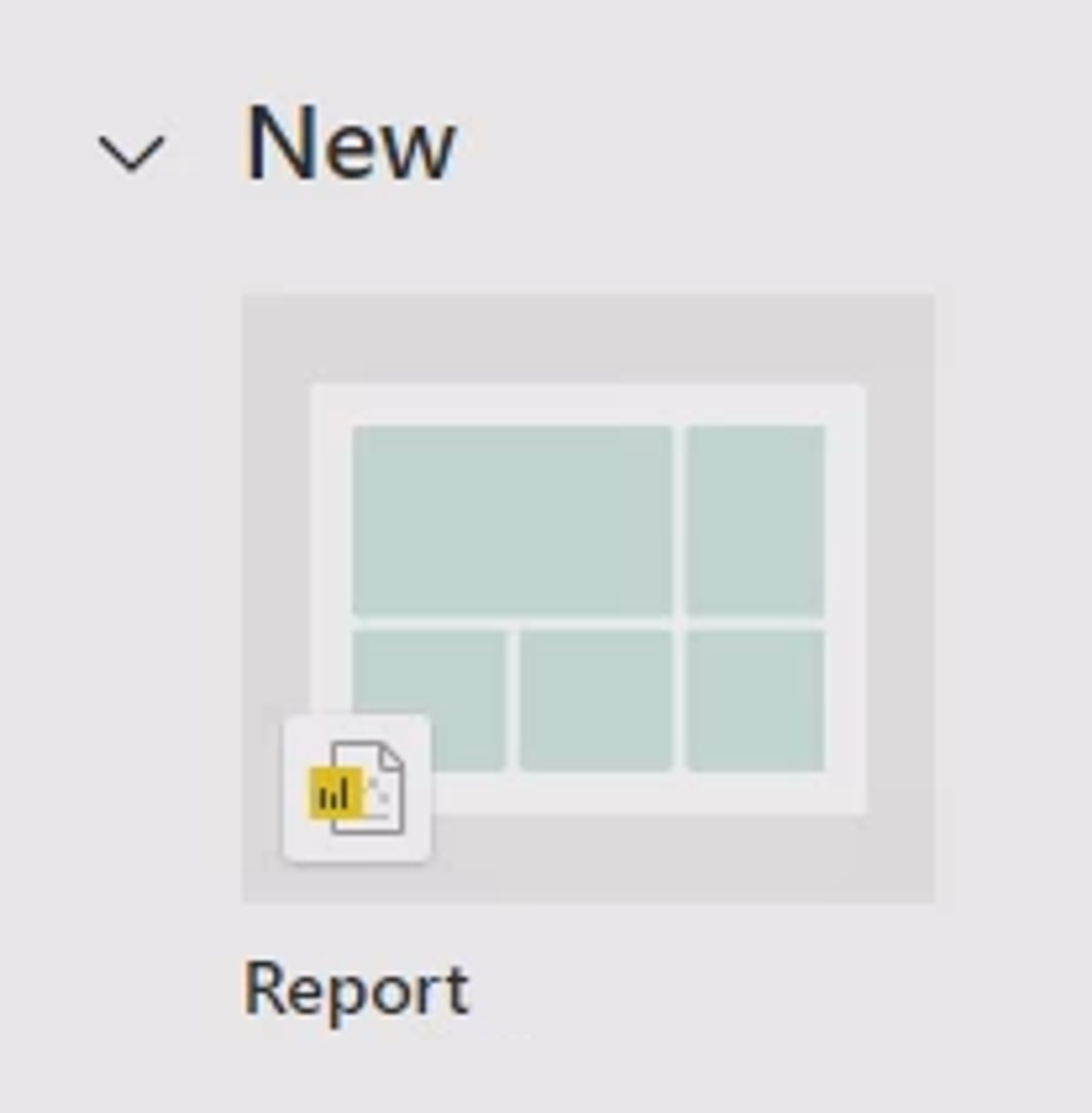
- Launch Power BI and navigate to
Report>Get Data>ODBC.
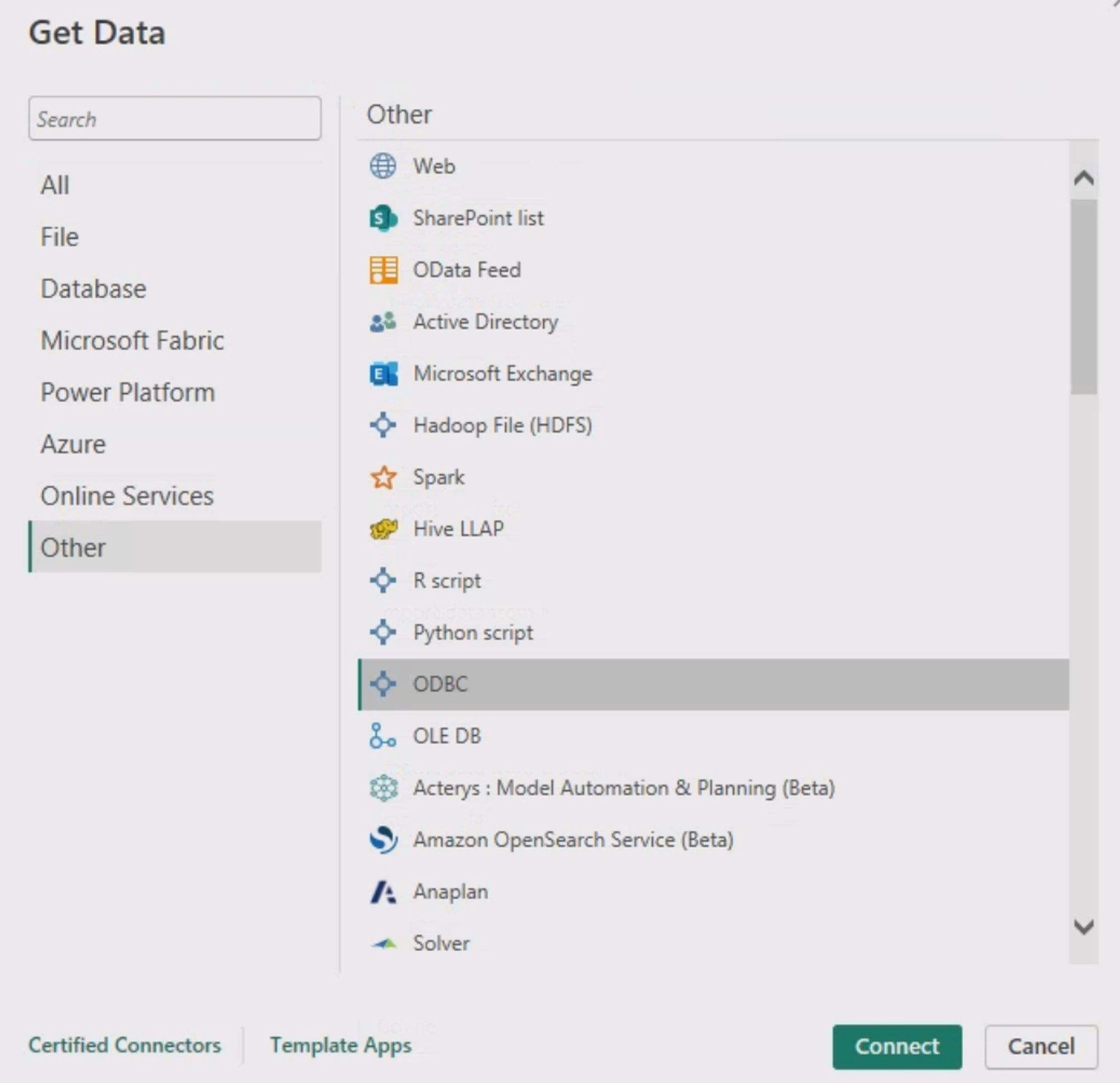
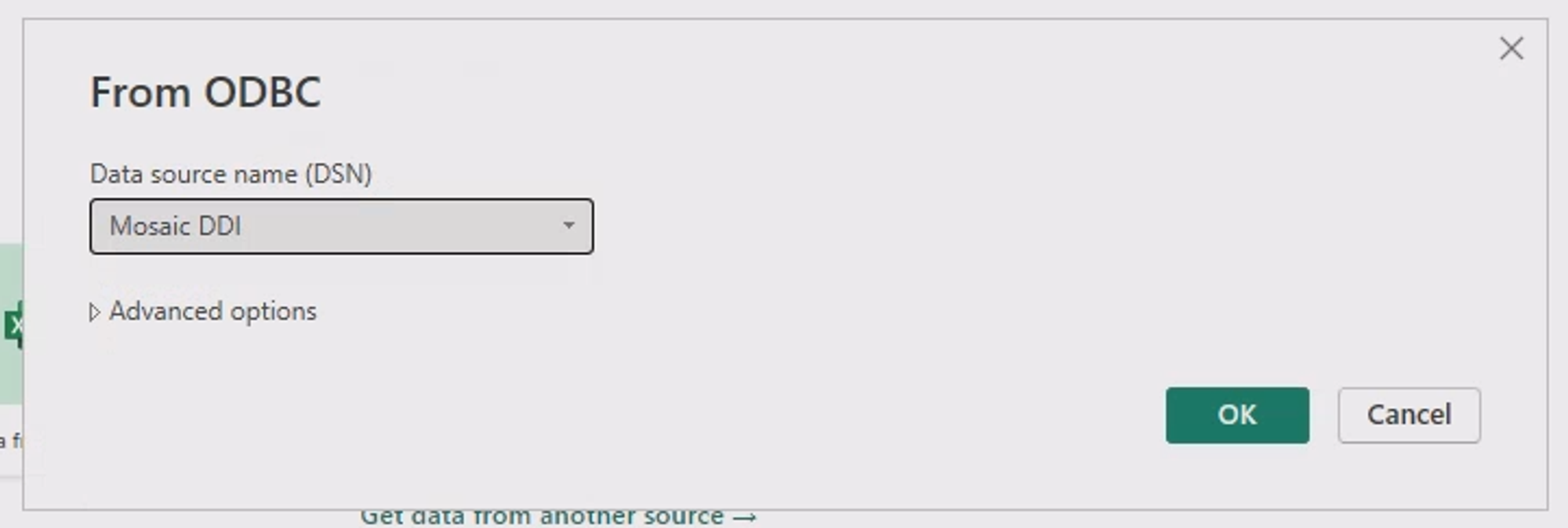
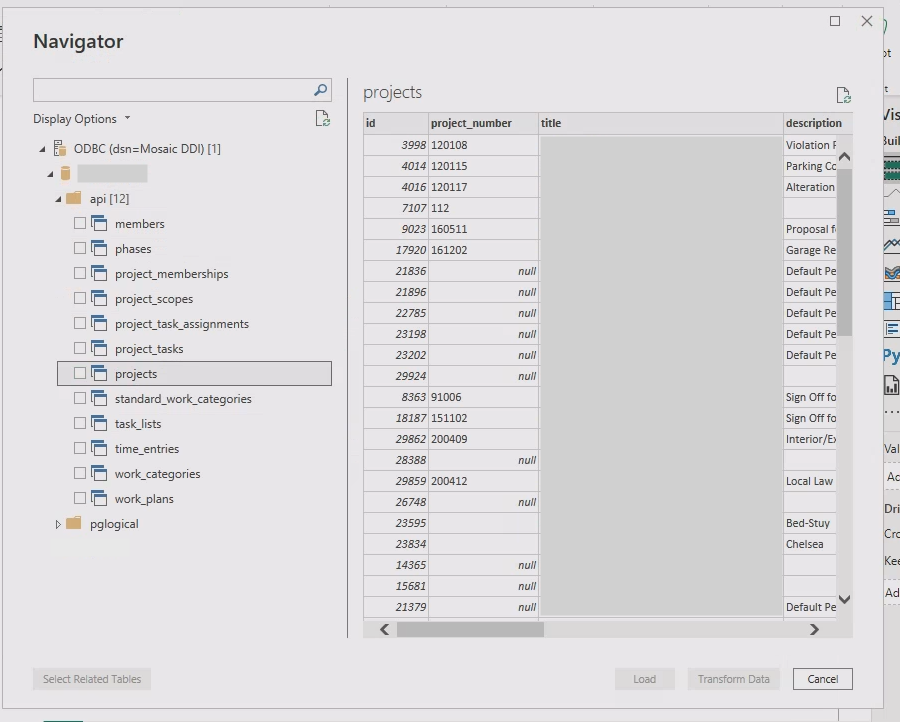
- Select your ODBC connection (e.g.,
Mosaic DDI).
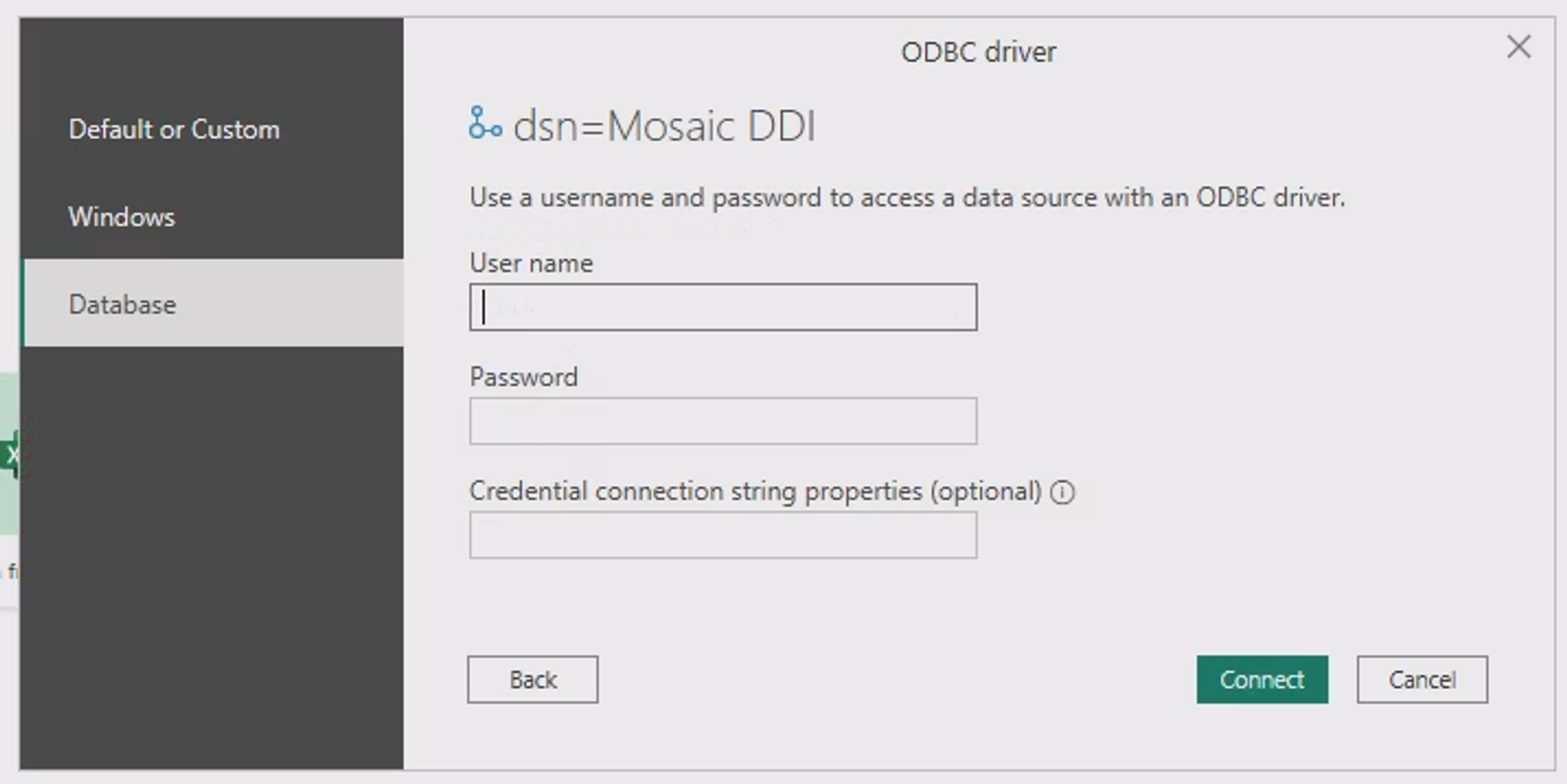
- Enter the database Username and Password, and click "Connect".
- Proceed to import and utilize your data as needed.
Updated 5 months ago