
SSO FAQs
Q: What happens when a user changes their email?
When a user who is already registered to use SSO logs into Mosaic with their new email, **Mosaic treats every unique email as different, so this creates a duplicate user with that new email even if the user is the same person.**In order to prevent this from happening there are several options:
- Please change the email in the integration and wait for the data to sync into Mosaic prior to logging in with the new email
- Change the email address from within Mosaic
- If your organization chooses to add security groups that could be a more controlled way to regulate the creation of new accounts. This would mean that anyone added to the security group is allowed to log into Mosaic - only if the email is updated in the security group, would we allow the user to log in using their new email.
Q: Can Single Sign-On (SSO) be applied to specific users, or does it apply to all members once enabled?
- SSO is typically applied to all users within a domain once enabled.
- From a security perspective, it’s important to apply SSO to all members to ensure consistent access control and avoid potential security gaps. Applying SSO selectively to specific users can lead to inconsistencies in security policies and may weaken overall protection.
Q: Why is the Add Domain button greyed out?
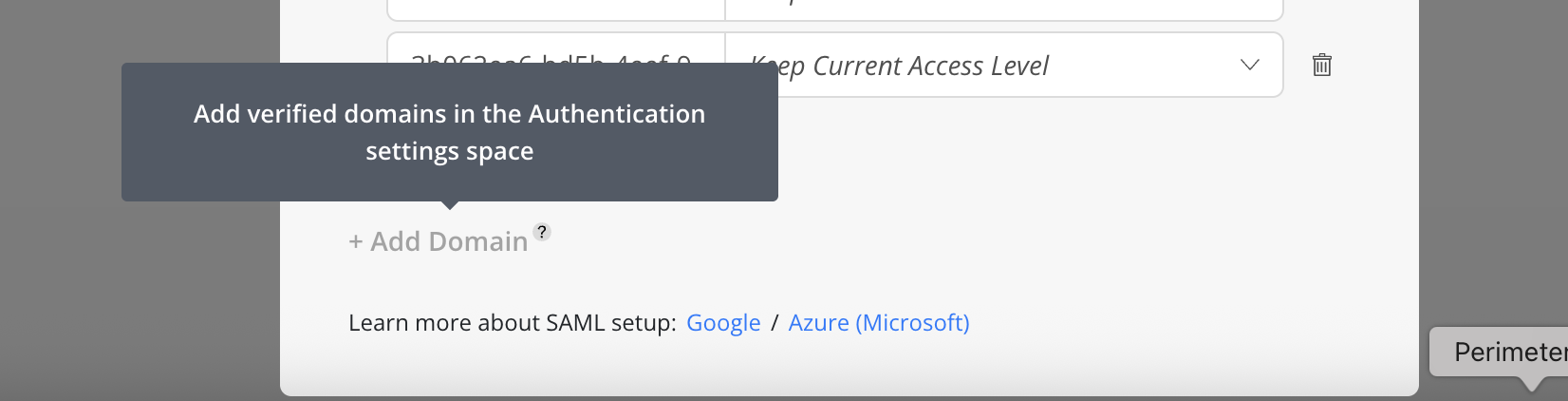
- The
Add Domainbutton is disabled when no verified domains are available. To enable it, add and verify domains follow the steps in SAML guide (Google / Microsoft / Okta) .
Q: Does Mosaic support SSO with Microsoft Entra ID?
- Yes. Microsoft Entra ID is the new name for Azure Active Directory, and Mosaic supports SAML SSO with Entra ID.
Q: How to verify my SSO email domain?
Updated 4 months ago