
BQE Core FAQs
Frequently asked questions about the BQE Core integration with Mosaic.
Q: I received a notification that my BQE Core connection has expired. How do I reconnect?
BQE requires integrations connected through its API to be re-authorized every 12 months. When your connection reaches the one-year mark, BQE expires the authorization and data stops syncing between BQE Core and Mosaic until the connection is re-authorized. This is a BQE policy — it does not indicate a problem with your account, and no data is lost in either system.
To reconnect (takes about a minute):
-
In Mosaic, navigate to Settings > Integrations. Anyone with admin access in Mosaic can reach this page — you will also need a BQE Core admin login for step 3.
-
Select your BQE Core integration. An orange banner indicates the connection is down. Click
Setup Connection.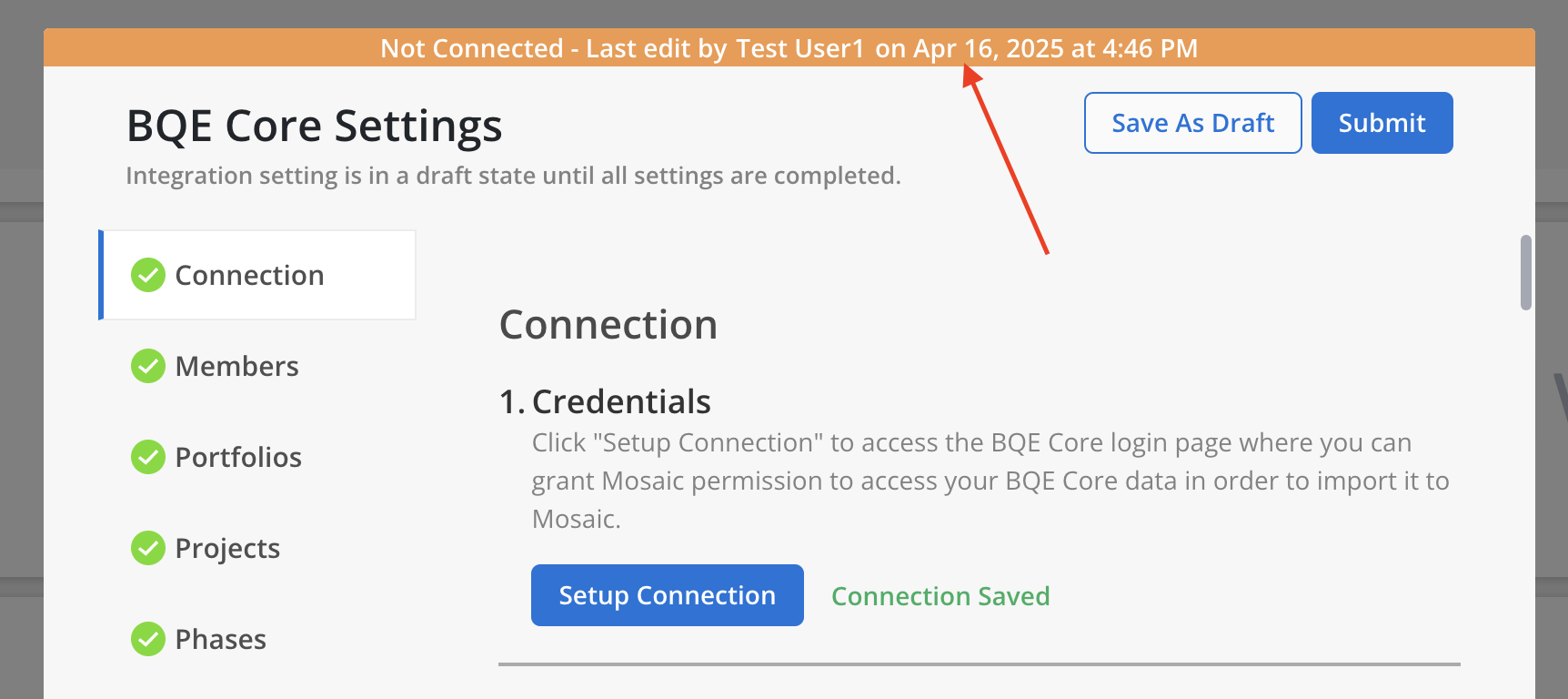
-
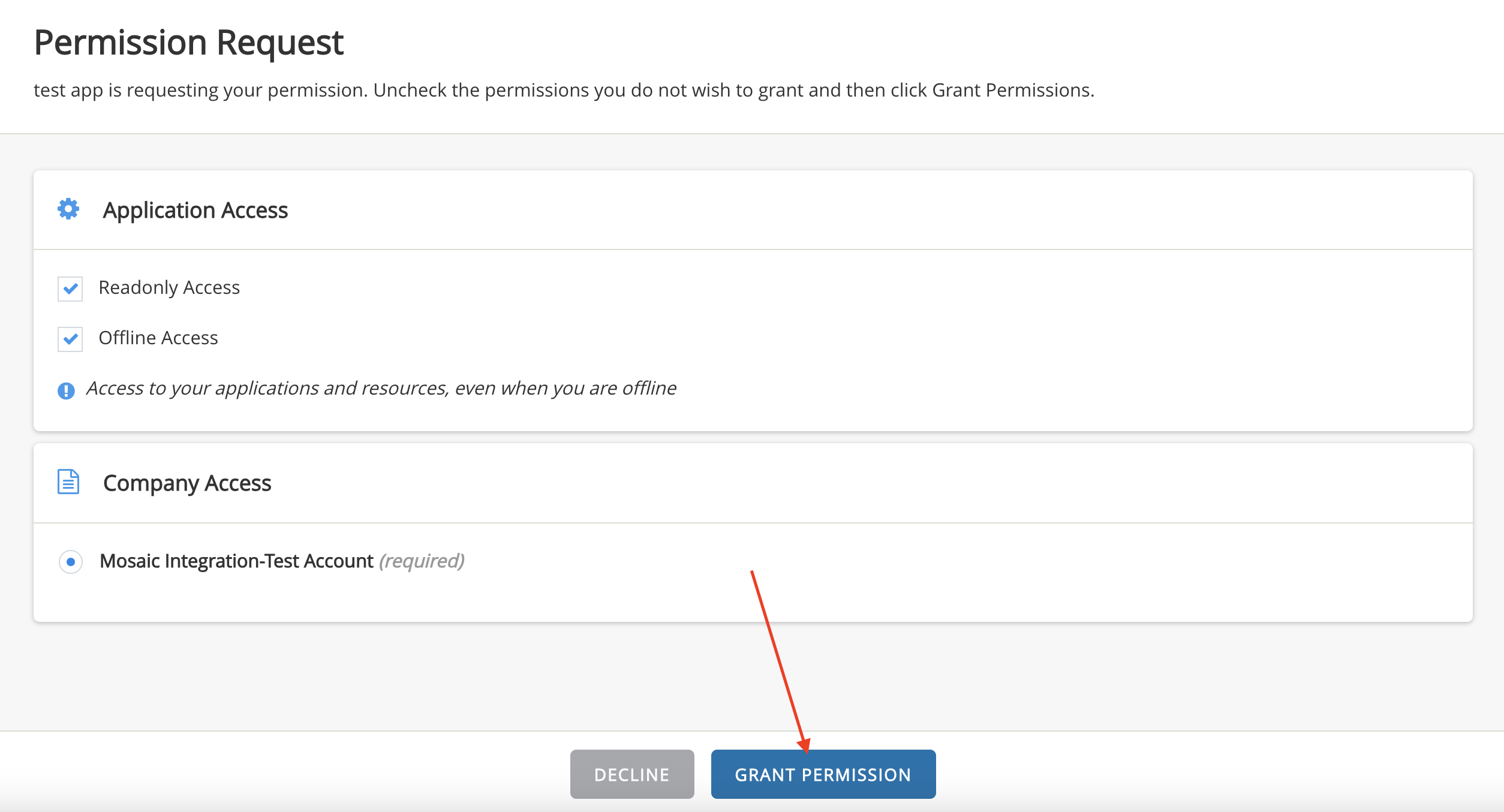
You will be redirected to the BQE Core login page — the same login and permission screens used during your original setup. Log in with a BQE Core admin account, then click
Grant Permission.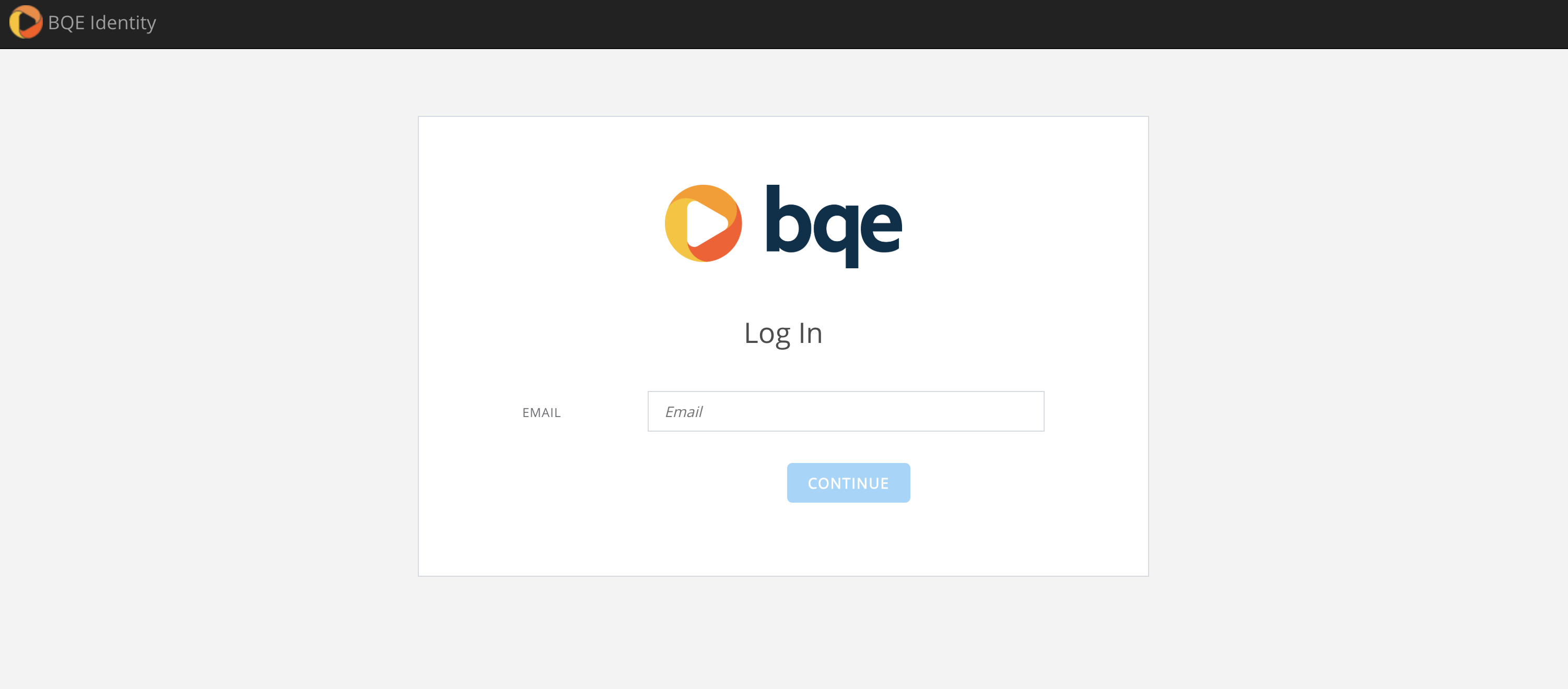
-
You will be redirected back to Mosaic. The integration banner turns green once the connection is restored.
What happens after you reconnect: Ongoing syncing resumes automatically — allow up to 6 hours for new BQE Core changes to appear in Mosaic. Changes made in BQE Core while the connection was expired are not picked up automatically: after reconnecting, contact your Customer Success Manager or Mosaic Support and our team will run a re-sync to bring in the changes from the disconnected period. There is nothing to re-enter in either system.
Please Note:You can re-authorize at any time — reconnecting before the expiry date does not disrupt your current sync, and each re-authorization starts a new 12-month period. For the full connection walkthrough with screenshots, see the BQE Core Integration setup guide.
Q: Why isn't my BQE Core integration pulling dates, contract values, or budgets into Mosaic?
If your BQE Core integration is connected but certain data (such as project dates, contract values, or budgets) is not appearing in Mosaic, check the following:
- Confirm the integration is showing a green connected banner under Settings > Integrations.
- Open the integration settings and verify that the relevant data types (Budgets, Fees, Dates) are enabled for sync.
- Note that BQE Core data can take up to 6 hours to sync after a change is made in BQE Core.
- If data is still missing after 6 hours, contact your Customer Success Manager with a description of the specific fields that are missing and a screenshot of the affected records in BQE Core.
Please Note:
Only data types listed in the BQE Core Integrated Data page are supported for sync. Custom fields may require additional configuration — reach out to your Customer Success Manager for assistance.
Q: Where can I find the Sync Log for my BQE Core integration?
To review recent sync activity for your BQE Core integration:
- Navigate to Settings > Integrations.
- Click on your BQE Core integration.
- Look for the Sync Log tab to review recent sync events and any errors.
Please Note:
If you do not see a Sync Log tab, this feature may not yet be available for your integration. Contact Mosaic Support for assistance reviewing sync activity.
Updated 18 days ago